Buy a credit top-up
If your monthly credit quota runs out before the reset date, you can purchase a top-up: a one-time bundle of additional credits that are available immediately.
Top-up credits expire when your billing period resets
A top-up tops up the period you are in now. Unused top-up credits do not carry over to the next month, so buy a top-up for credits you are about to use, not as a balance to keep. If you are close to your reset date, wait for the reset instead.
Prerequisites
- You must be on the Pro plan. Top-ups are not available on the free plan; on other plans the top-up section is missing from the pricing page or says top-ups are for Pro subscribers only.
Steps
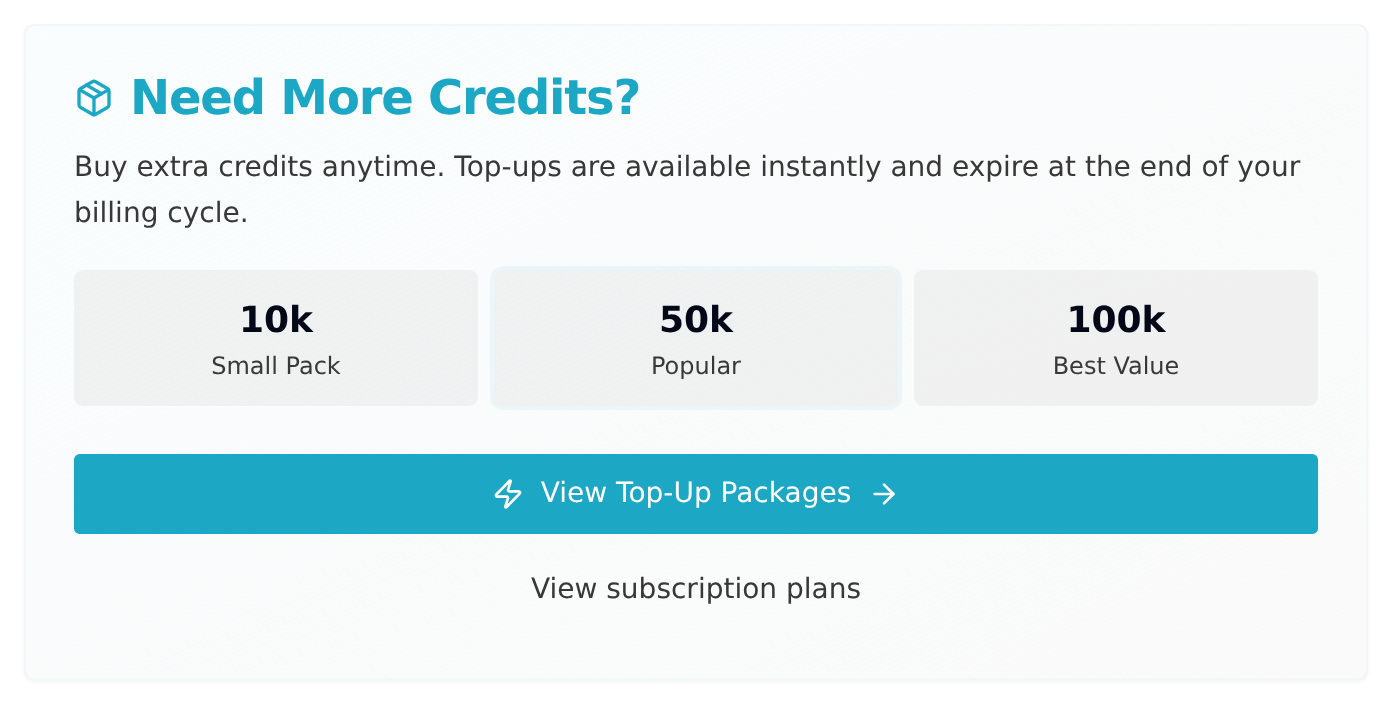
- Open your Profile page and find the Need More Credits? card (it reads Running Low on Credits? when your subscription credits are nearly used up).
- Click View Top-Up Packages. This opens the pricing page and scrolls straight to the Need More Credits? section, which lists the pack sizes.
- If you do not see that section, check the prerequisites above.
- Click Buy Now on the pack you want. You'll be redirected to Stripe checkout, and each pack states that it expires at the end of your billing period.
- Complete the payment. Credits are added to your account immediately.
How top-up credits work
- Top-up credits are added on top of your monthly subscription quota.
- They are used after your subscription quota is exhausted. If you hold more than one top-up, the one expiring soonest is used first.
- Unused top-up credits expire at the end of the billing period they were bought in, the same date your subscription quota resets. They do not carry over.
- We email you 3 days before a top-up expires, again 1 day before and on the day itself, and once more once it has expired. The reminders are skipped if you have already used more than 90% of that top-up.
- Top-up credits are non-refundable.
For a full explanation of how credits work, see Credits explained.