Start a free Pro trial
When a free Pro trial is on offer, you can try every Pro feature before you pay: Advanced and Premium AI, 204 languages, 65+ file formats, glossaries, translation memory, style guides, the Translation Editor and your whole team.
The trial is on the Pro plan with 100,000 credits a month (100,000 words with Standard AI). A card is required, and nothing is charged until the trial ends. After the trial, Pro continues on the billing you chose: monthly, or once a year.
Who can start a trial
- On a personal account, you. On an organization's account, an Organization Manager or a Billing Manager.
- The account must not be on a paid plan now, must never have paid for Pro, and must never have had a free trial (including one set up by our team). Otherwise you'll see the normal Upgrade to Pro button instead.
Start the trial
-
Log in and open Pricing.
-
Choose Annual or Monthly. The trial is the same; the choice usually decides what you pay after it, and the line under the button shows exactly what applies.
-
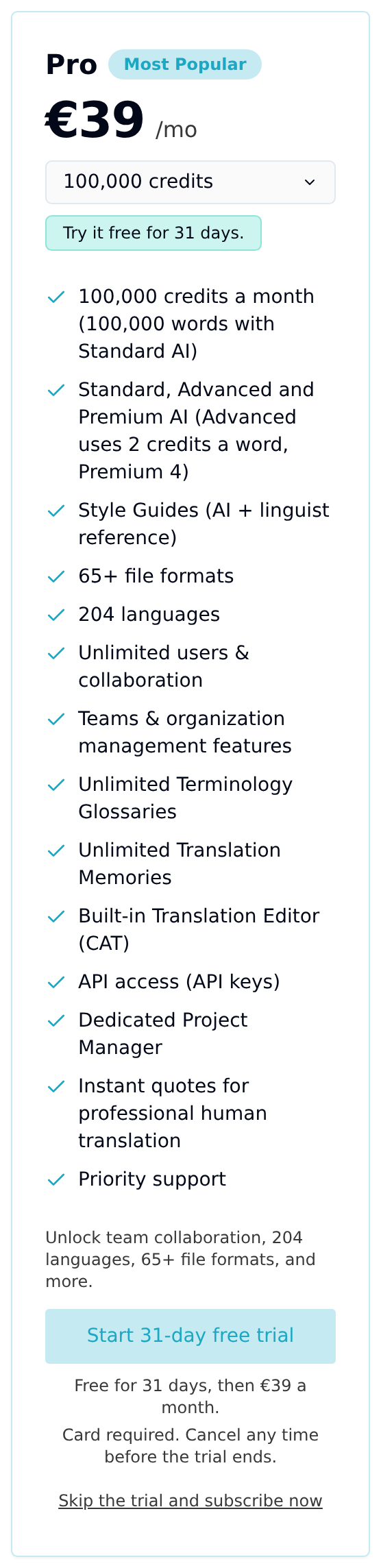
On the Pro plan, click Start free trial. The button shows how long the trial lasts, for example Start 31-day free trial. Under it you'll see the price after the trial, for example "Free for 31 days, then €390 billed once a year." on Annual, or "then €39 a month." on Monthly.
-
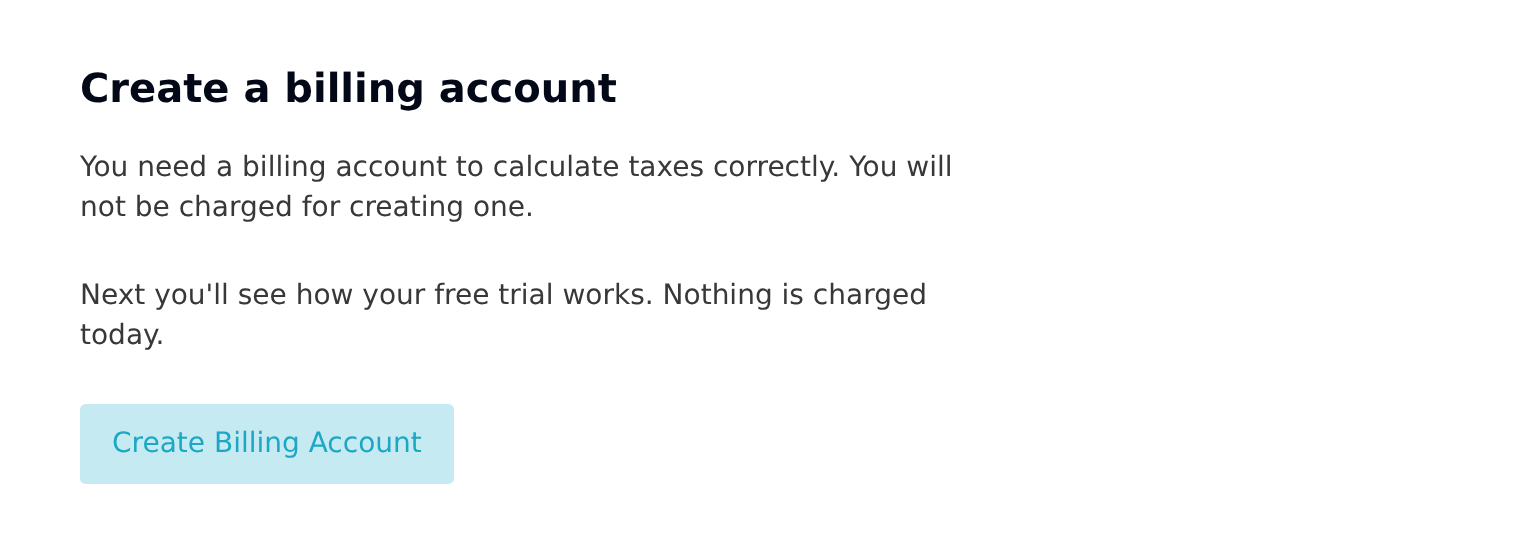
If you don't have a billing account yet, Taia asks you to create one first: choose your country and currency. Nothing is charged for creating it.
-
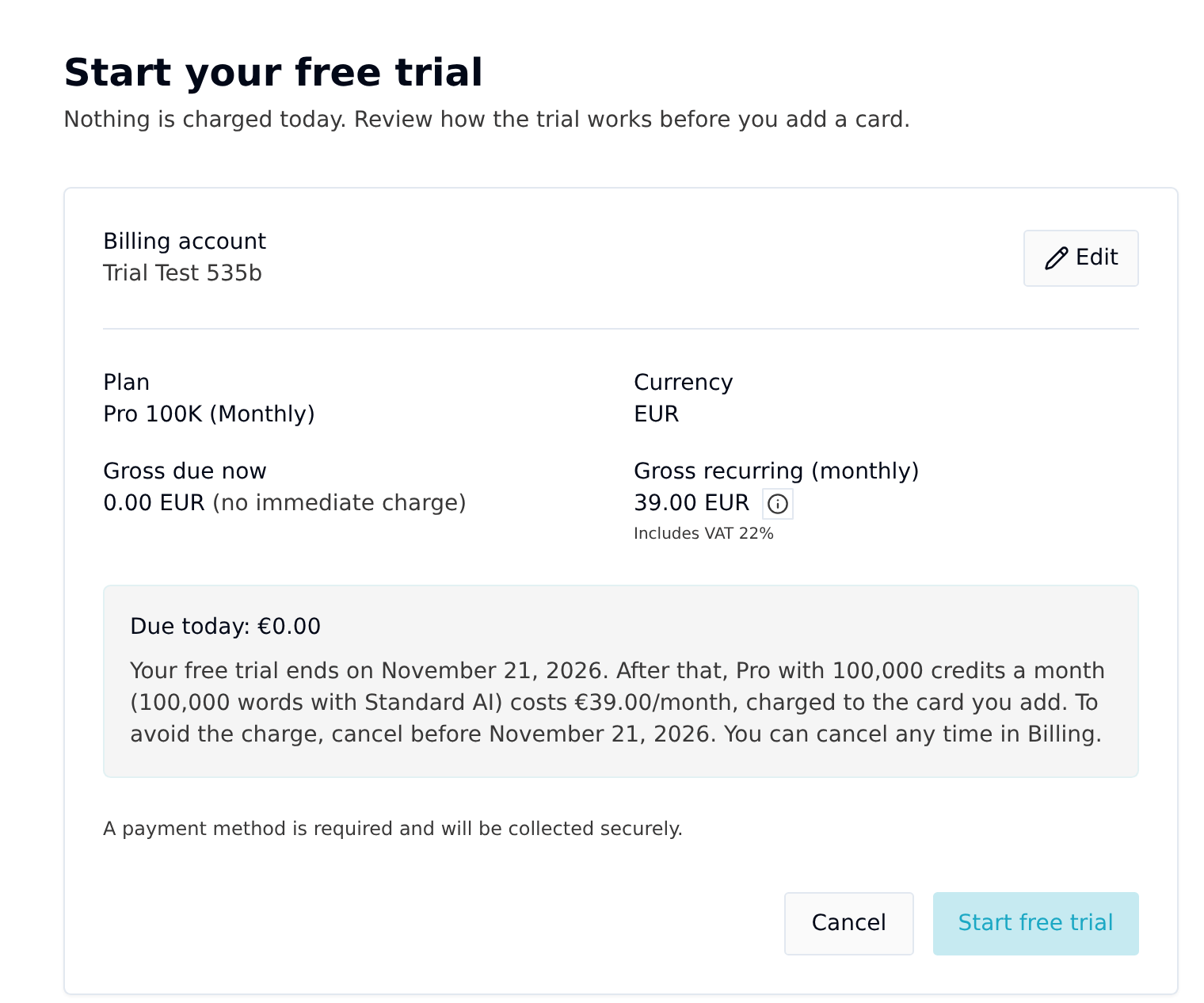
The preview page shows Due today: €0.00, the date your trial ends, and the price after that. Check it, then click Start free trial.
-
Add your card on Stripe's checkout page. Stripe confirms that nothing is due today.
-
You're taken back to Taia and your account is on Pro.
If you'd rather pay straight away, click Skip the trial and subscribe now under the trial button.
What happens when the trial ends
- If you keep Pro, the first payment is taken from your card on the day the trial ends: the monthly price on Monthly, or the yearly price in one payment on Annual. Everything carries on as it is.
- If you cancel before then, your account moves to the Free plan when the trial ends and you're not charged. Your projects stay in your account.
- If the payment fails, your account moves to the Free plan. You can upgrade again any time.
Your billing page shows the end date, the amount and what happens next, for as long as the trial runs.
If you're a business in the EU, add your VAT number to your billing account before the trial ends, so your invoice shows the right VAT.
Cancel before the trial ends
- Go to Billing and open your billing account.
- Click Manage subscription.
- On the plans page, click Schedule Downgrade to Free on the Free plan.
Your trial keeps running until its end date, then your account moves to the Free plan with no charge.