Read your invoice
Taia generates an invoice for every subscription charge, plan upgrade, top-up purchase, and professional translation order. Here's how to find your invoices and what the line items mean.
Find your invoices
- Go to Profile and click through to Billing Accounts.
- Click View Details on the billing account, then open the Invoices tab.
- Invoices are listed in reverse chronological order.
- Click any invoice row to view it, then click Download PDF.
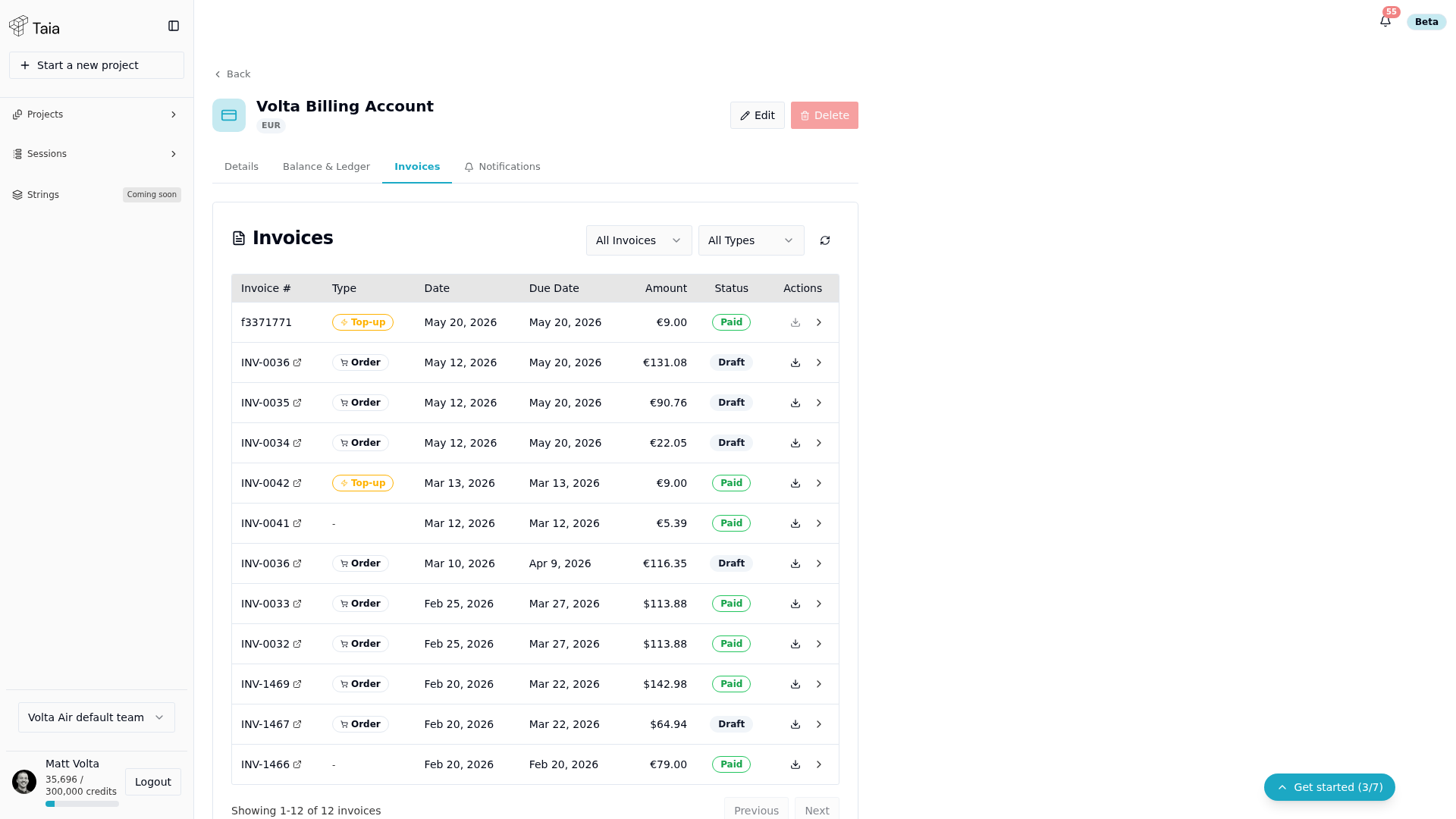
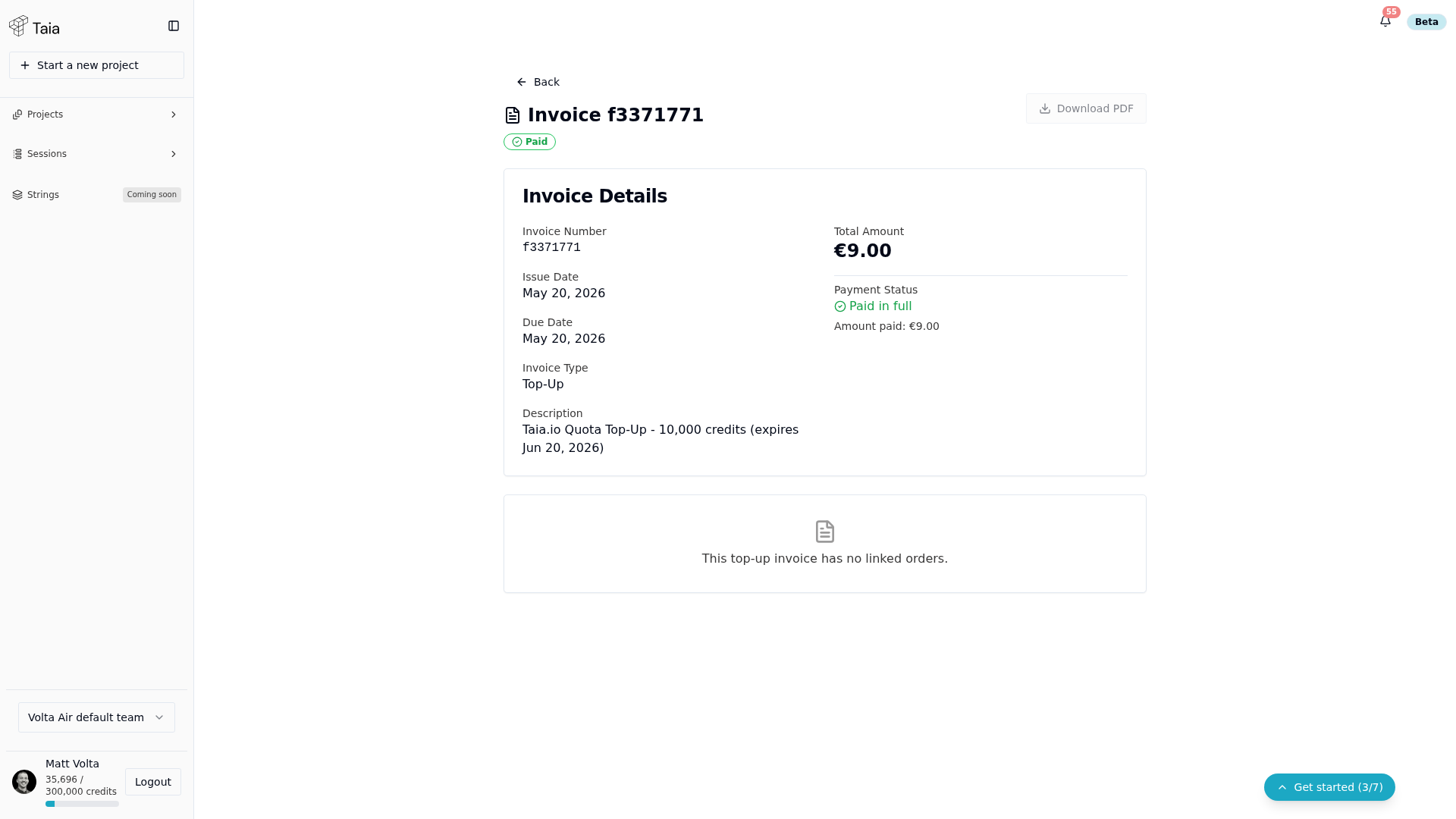
Invoice line items
Subscription invoice
| Line item | What it is |
|---|---|
| Plan name (e.g., "Taia Pro Monthly") | Your subscription plan and billing cycle |
| Subtotal | Amount before tax |
| VAT | Value Added Tax, if applicable to your location |
| Total | Final amount charged |
Professional translation order
| Line item | What it is |
|---|---|
| Project name | The project the order is for |
| Service tier (Essential / Enhanced / Ultimate) | The quality tier you selected |
| Word count | Total payable words (after TM match discounts) |
| Per-word rate | The rate for your selected service tier |
| Total | Final charge |
Top-up purchase
| Line item | What it is |
|---|---|
| Top-up bundle (e.g., "50,000 credits") | The credit bundle purchased |
| Total | Flat price for the bundle |
VAT and tax
Taia is VAT-registered in the UK and Slovenia. If you have a valid VAT number registered in your account, EU B2B invoices may be subject to the reverse-charge mechanism. See Update payment details and VAT to add your VAT number.