Edit tone, register, and rules
You can update a style guide's instructions at any time. Changes take effect on the next translation that uses that style guide.
Steps
- In the sidebar, click Style Guides.
- Click the style guide you want to edit. A finished style guide opens in read-only view first — click Edit to unlock it.
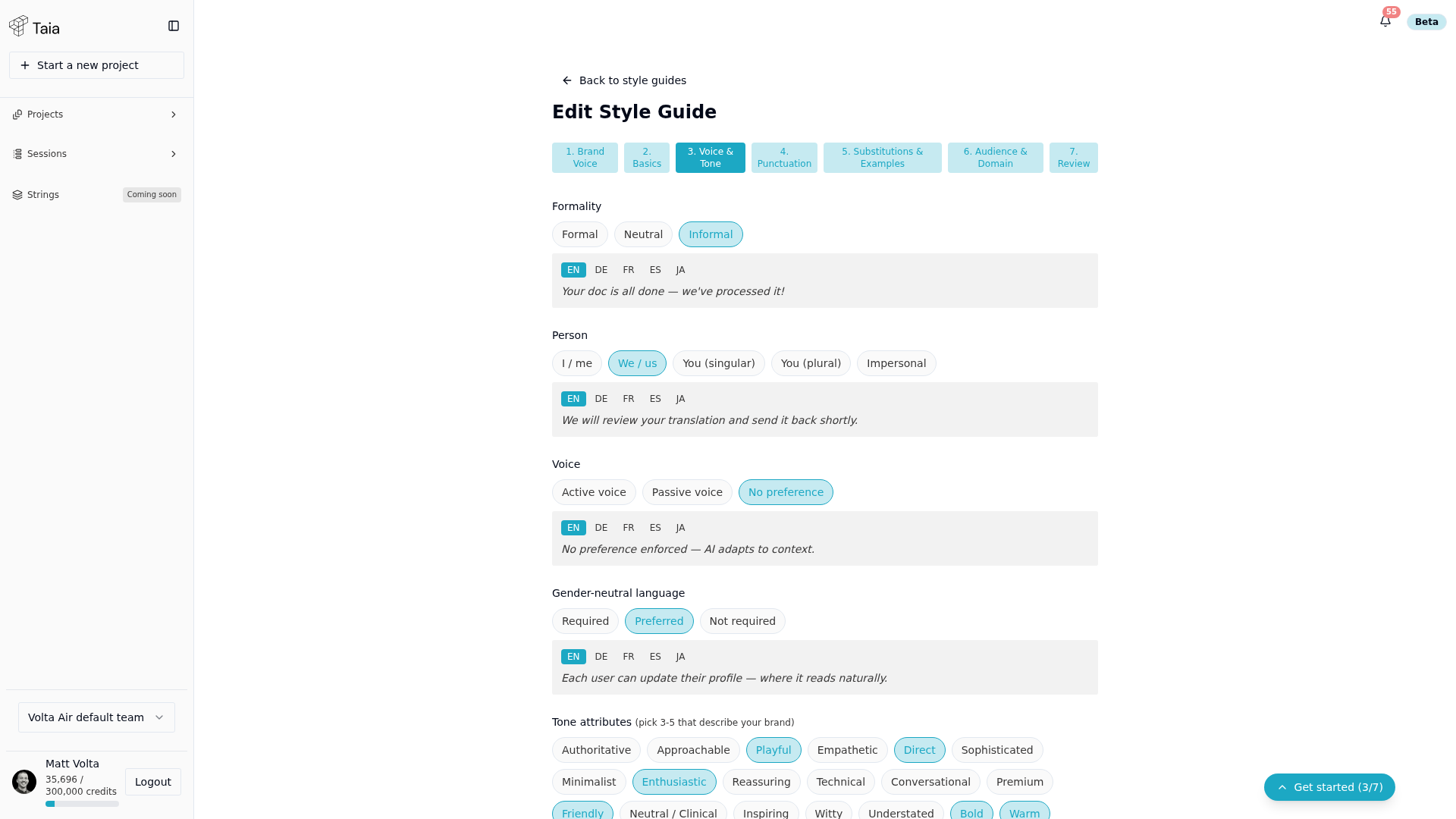
- The editor reuses the same wizard as creation — Brand Voice, Basics, Voice & Tone, Punctuation, Substitutions & Examples, Audience & Domain, Review. Click any step's tab to jump to it directly.
- Update the relevant fields in any section.
- Save your changes on the Review step.
What to include in brand voice notes
The brand voice field is the most powerful part of a style guide. Effective notes are concrete and instructional:
- "Always use formal pronouns in German ("Sie", not "du")."
- "Do not use contractions in French."
- "Product names (Taia, Studio) should not be translated."
- "Prefer active voice over passive."
- "Keep sentences short — maximum 20 words."
Avoid vague instructions like "sound professional" — the AI needs specifics.